
A client ghosts.
You still have a next move.
One booking link. One clear calendar. When a slot opens, you choose who to invite back.
Create your booking page For Ghanaian barbers, braiders, nail techs and everyone whose work runs on appointments.“Instead of just losing the slot I knew exactly who I could contact about it.”
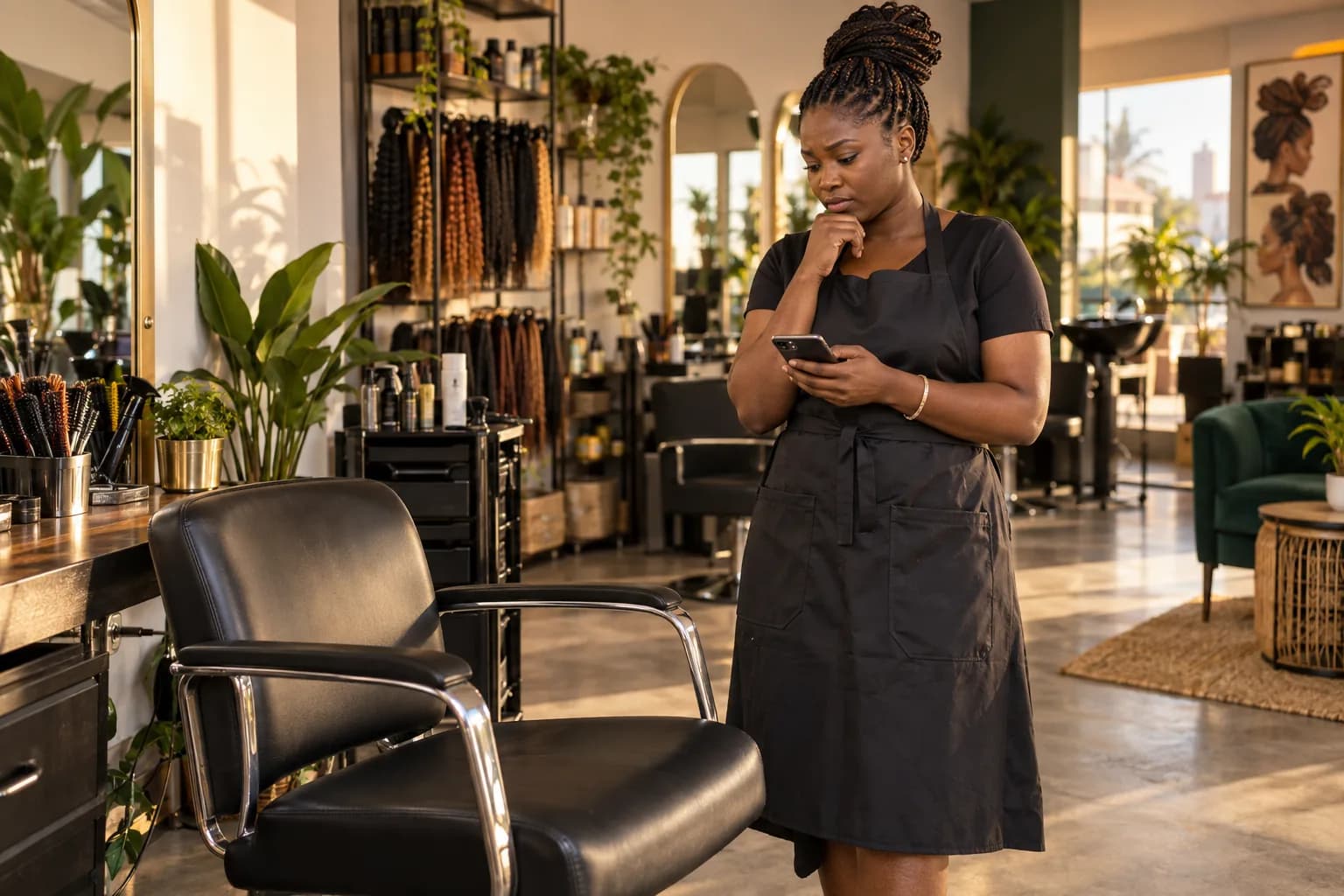
You know this day.
A quiet phone. A gap in the diary. A chair that could have been booked.
- 01
The message goes quiet
Plans change. Sometimes clients disappear.
- 02
The chair opens up
That time is yours to fill again.
- 03
You make the next move
Reach out to someone who may want it.
When plans change, keep your day moving.
Book My Hands shows the gap and possible clients. You choose the next action.
Choose a client to contact about this time.
- 01
See the gap
A cancelled booking leaves an open slot in your calendar.
- 02
Choose a client
Review the waitlist or past clients who may want that time.
- 03
Invite, then track
Contact them and link a replacement booking if one happens.
“If somebody changes the appointment, I can see the space and call another person.”
Give clients one place to book.
Put your services and open times behind one link. Add phone bookings and walk-ins to the same calendar.
Create your booking page Clients book in their browser. No client app needed.“I just put the link on my whatsapp status and clients book by themselves.”
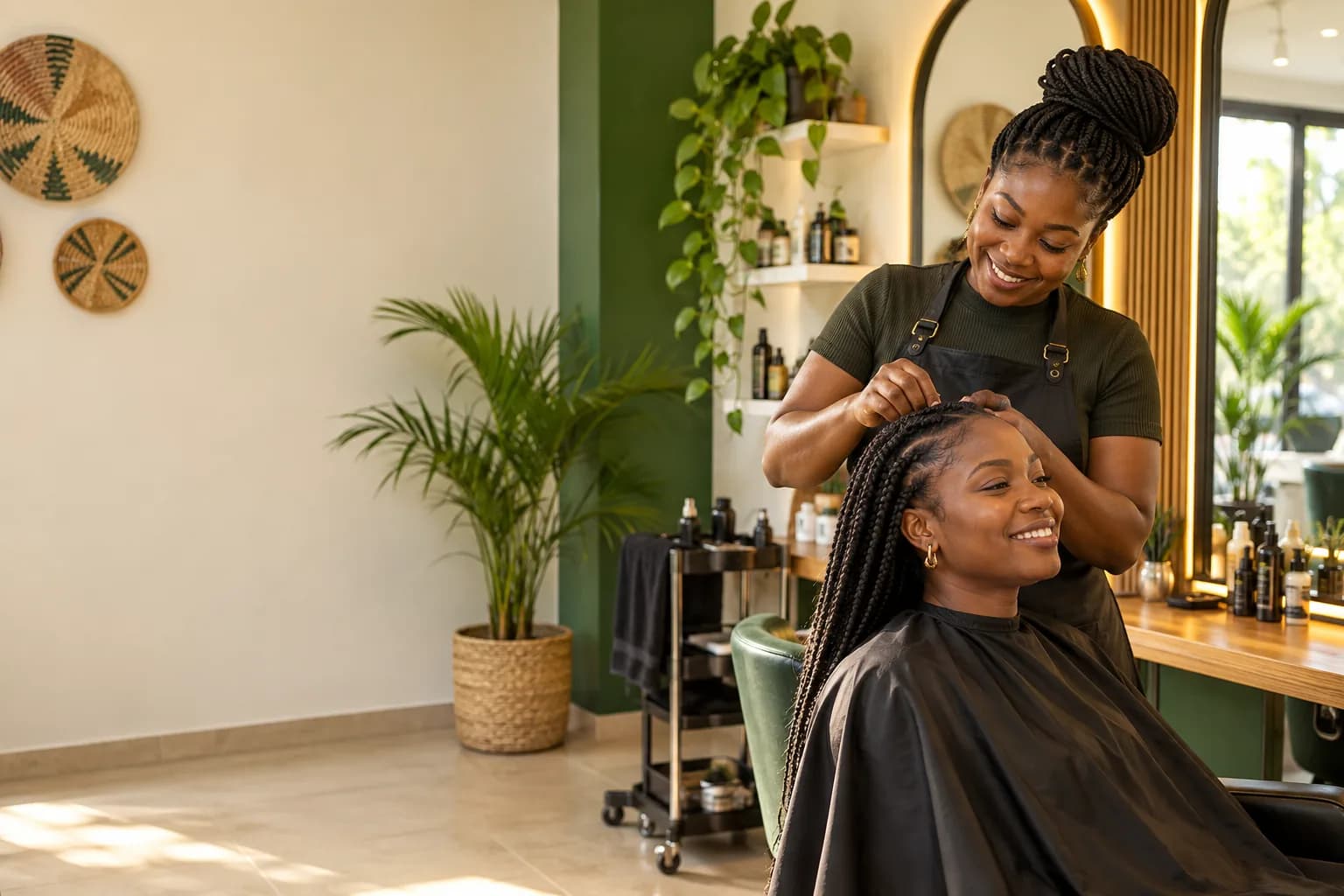
This is for the work you do.
Working solo, from home, or with a team? Keep your bookings in one place and see your next move when plans change.
Hair & grooming
Your chair is your business.
- Hair salons
- Barbers
- Braiders
- Natural hair stylists
- Loc artists
- Wig installers
Beauty & care
Every appointment deserves a place.
- Nail techs
- Makeup artists
- Lash artists
- Brow artists
- Skincare studios
- Massage therapists
More hands-on work
If clients book your time, you belong here.
- Photographers
- Tailors
- Personal trainers
- Tutors
- Consultants
- Repair specialists
Don't see your trade? If people book your time, you can set up your services and share your own booking link.
In their own words.
Excerpts from customer messages. Open an original to read it in full.
Book My Hands lets me share my available times and focus on the actual work.
Client changes her time, I just check my calendar and I know what is free. No stress.
Having everything on one booking page makes my day much easier to follow, tnx for a great app.
What I like is that my customers donot need to install another app. I can share my booking link on watsapp and they can choose the service and available time themselves.
The simple booking page helps me organise customers without changing how I already run my business.
A few things to know.
Start with a booking page. Add more to your workflow as you go.
Do my clients need an app to book?
No. They can open your booking link in a browser and choose a service and time.
Will a cancelled slot refill automatically?
No. You see possible contacts and decide whom to invite. A replacement is linked only when someone books.
Do I need payments to get started?
No. You can publish a booking page before setting up deposits.
Can I use this if I don't run a salon?
Yes. Set up the services and hours you offer, then share your booking link. If your trade is not listed during setup, choose Other.